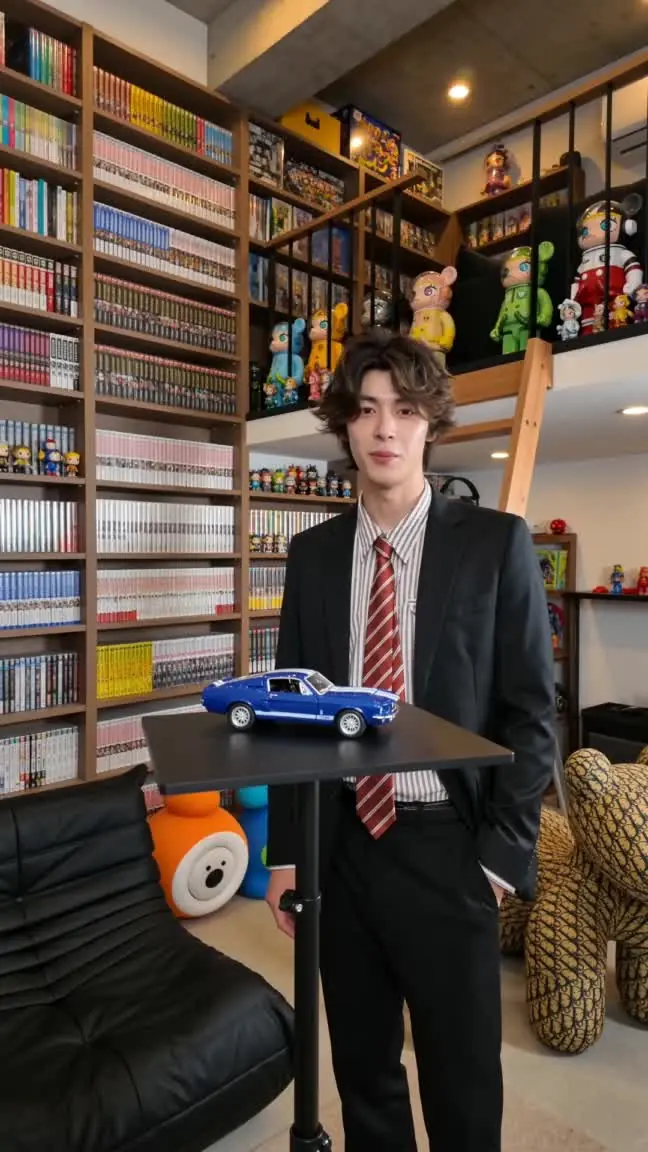
Bring your inspiration.
Start with a prompt, a reference image or a question. Bring the context your project needs.

Explore ideas with AI. Create with image, video and audio tools.
Start with a prompt, a reference image or a question. Bring the context your project needs.
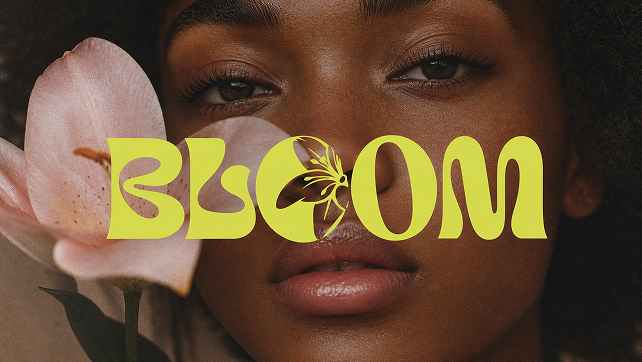
Try different approaches and choose the tools and settings that suit your idea.
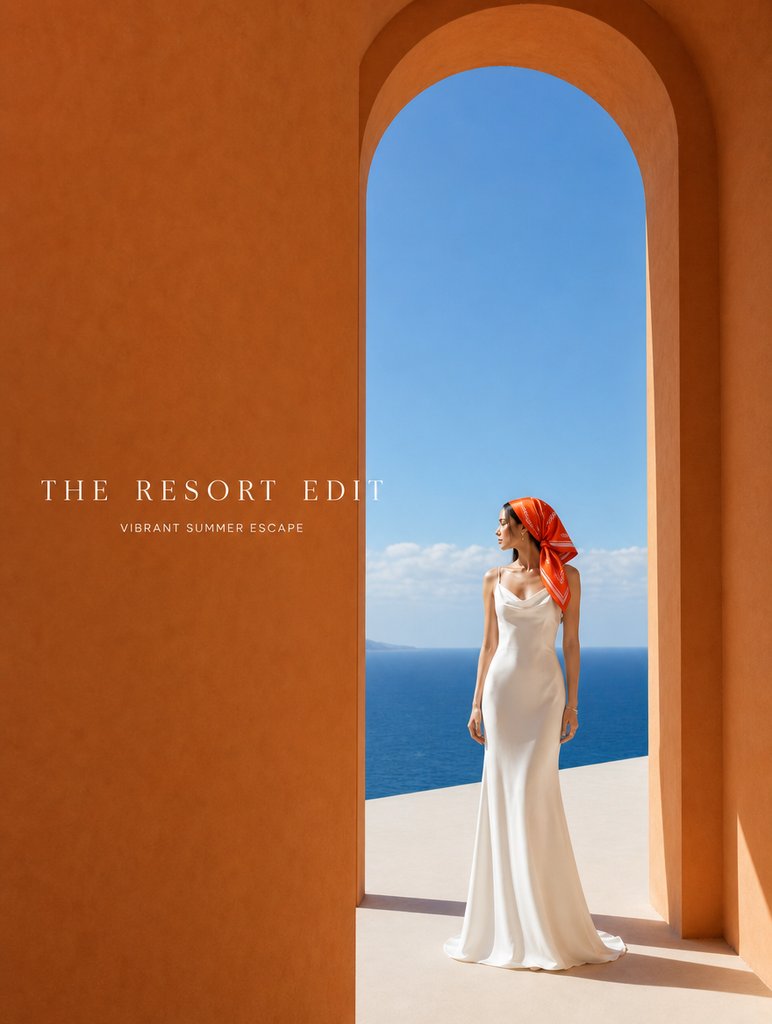
Work with image, video or audio, then organize related tasks in projects so you can return later.
Inspiration images. Choose one to adapt the prompt.
Work with dedicated image, video and audio tools. Keep related creative requests together in projects.
Describe your idea above or choose an inspiration card. Your prompt opens in the workspace, ready for you to review and continue.
Yes. Each workflow has its own model selector and settings. Choose an available model and adjust the options it supports.
Use your own images, video or audio in workflows that support reference media. Available formats and inputs depend on the workflow and selected model.
Reopen tasks from the sidebar or history and continue where you left off. Group related tasks in projects, and find their attachments in the Library.
